
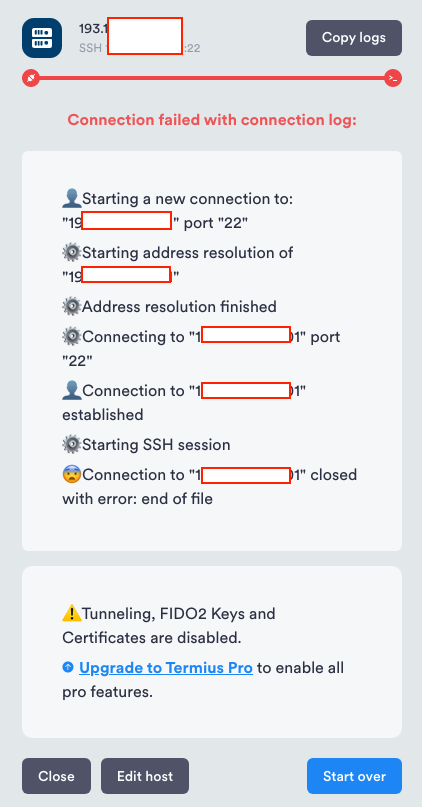
问题分析:VPS只允许密钥证书登录,不支持密码登录。
想要只支持密码登录。
解决方案:登录修改ssh,取消密钥证书登录,支持root密码登录,同时修改端口为高位端口。
1、登录DMIT后台,在页面上修改root密码
2、在VPS的后台找到面板终端按钮,登录root

3、配置sshd文件
(系统为Debian,以下命令在Debian上适用)
输入 vi /etc/ssh/sshd_config
把Port 22 的参数修改为其它端口,如果有#,需要去掉
把PermitRootLogin和PasswordAuthentication俩参数修改为yes
把PubkeyAuthentication的参数修改为no,或注释掉
把ChallengeResponseAuthentication 参数修改为no,或注释掉
4、重启sshd服务
service sshd restart 或者 systemctl restart sshd